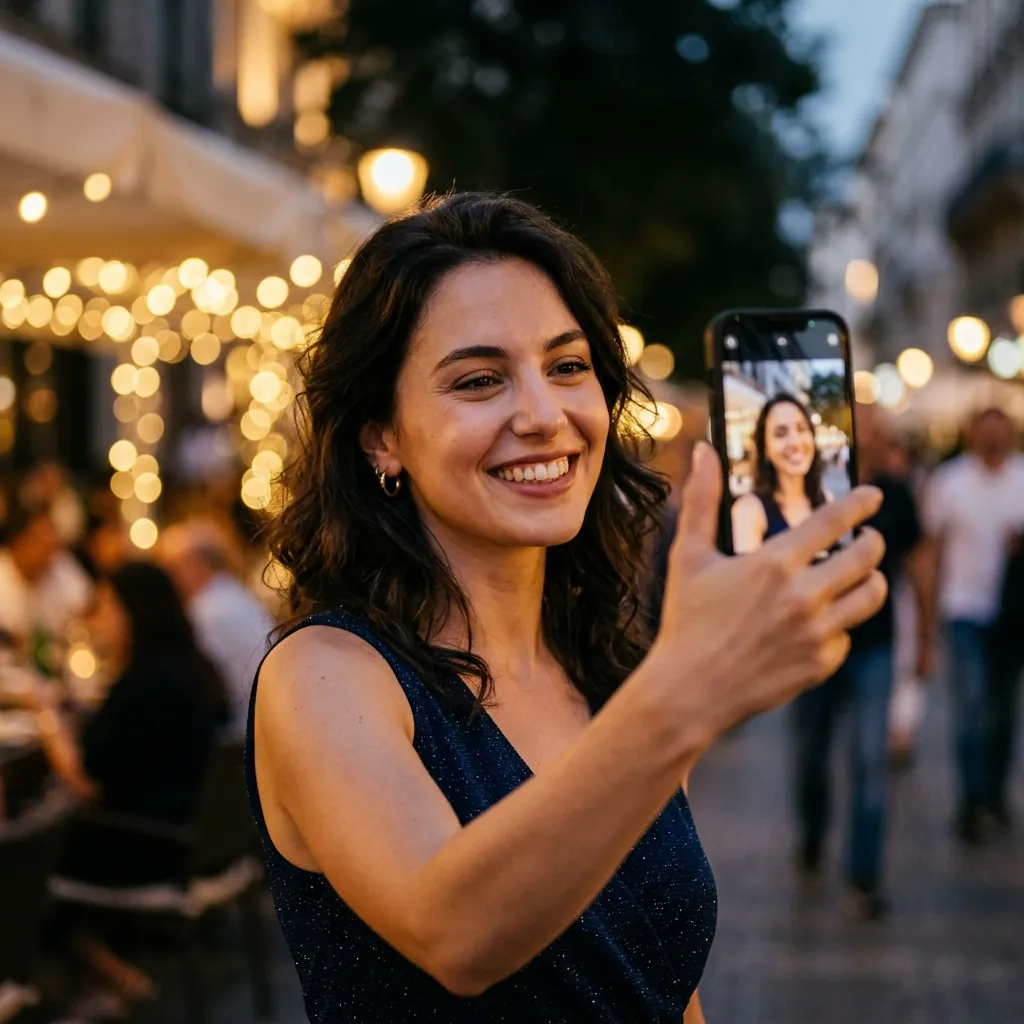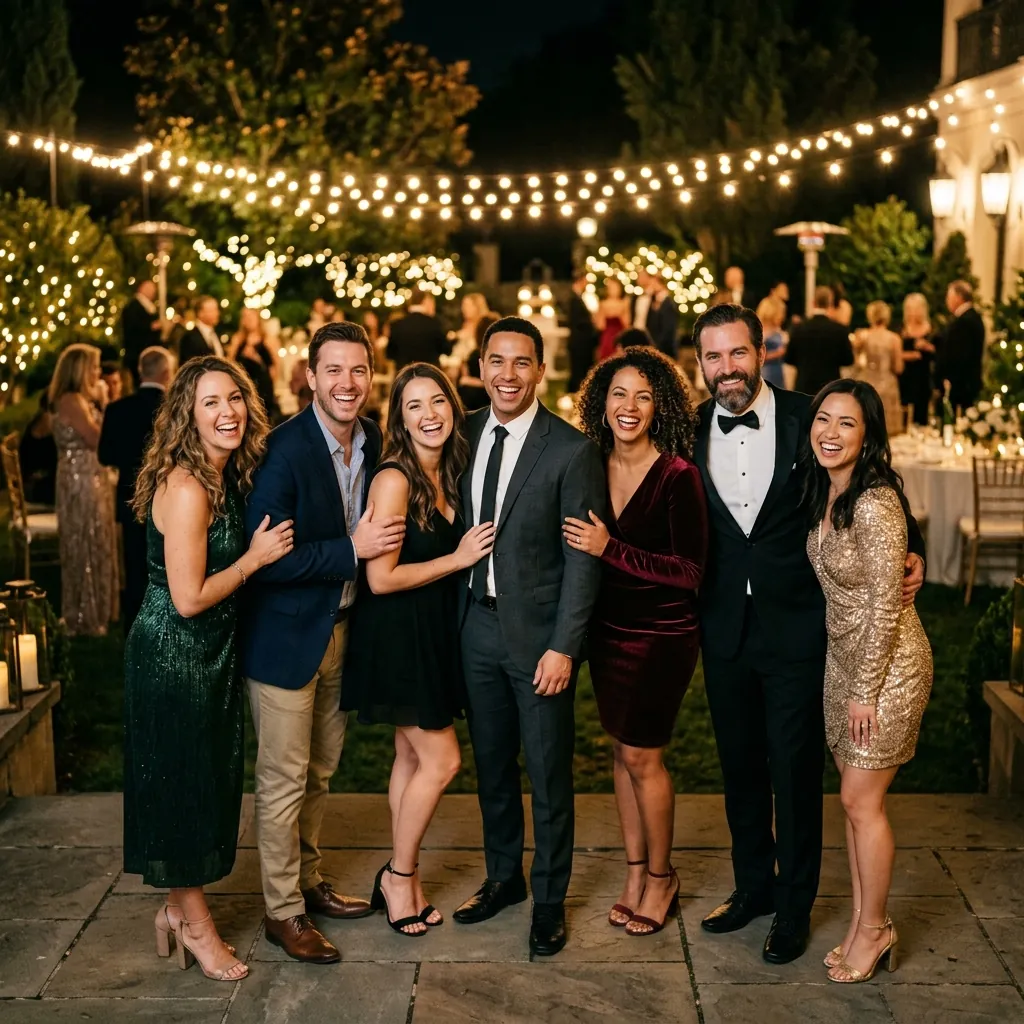
Google Drive is fantastic for backing up RAW files, syncing contracts, and archiving completed shoots. But when it comes to delivering finished event photos to clients and attendees, using Google Drive in 2026 is like handing your client a shoebox filled with 5,000 unorganized 4x6 prints and asking them to find their own portraits. Here is what happens when you compare cloud storage against dedicated AI facial recognition.
The Status Quo: Why Every Photographer Starts on Google Drive
Almost every professional photographer starts with Google Drive or Dropbox. It's already installed on your computer, you likely already pay for a 2TB storage tier, and creating a shareable link takes five seconds.
When you shoot a 1-on-1 portrait session with 40 photos, Google Drive works fine. The client opens the folder, looks through 40 pictures, and downloads their favorites.
However, event photography is fundamentally different: the primary viewers are not just the couple or corporate coordinator who hired you. The viewers are the 300 to 1,500 guests who attended the event.
Detailed Feature Comparison: Google Drive vs. EventFace Finder
Let's look at how the two systems perform across key metrics critical to modern event photography:
| Capability | Google Drive | EventFace Finder |
|---|---|---|
| Search Mechanism | Manual visual scrolling through thousands of photos | Instant facial vector matching via selfie in 1.2s |
| Guest Privacy Protection | None — folder is either totally public or locked | Built-in — guests only unlock photos with their face |
| App Installation | Encourages Google Drive app installation | Zero app downloads — 100% mobile web browser |
| Google Drive Sync | Native | Direct sync — import Google Drive folders without re-uploading! |
| Studio Branding | Google Drive UI and branding | Custom studio logo, banner, and direct social links |
| Pricing Model | Monthly subscription ($10–$30/mo indefinitely) | Pay-as-you-go credits that never expire ($10 for 5k uploads) |
Client Perception: The $2,000 Studio vs the $10,000 Studio
High-end corporate planners and luxury wedding coordinators are obsessed with guest experience. When proposing your services to luxury clients, demonstrating an instant AI facial recognition delivery portal sets you apart from 99% of competing photographers.
Instead of pitching 'I will email you a cloud folder within two weeks,' you pitch: 'We provide an interactive QR code gallery where every attendee receives their photos seconds after snapping a selfie at the venue.' That single feature justifies premium pricing.
The Verdict: When to Make the Switch
Keep Google Drive for internal studio backups and raw catalog storage. But the moment you deliver photos to an event with more than 50 attendees, switch to AI facial recognition.
Even better: with EventFace Finder's **Google Drive Search integration**, you don't even need to re-upload your photos. Simply paste your existing Google Drive folder link, and EventFace Finder indexes the faces automatically!
Deliver 5,000 photos for just $10. Or try it free today.
No monthly subscriptions to maintain. Sign up and receive 100 free credits to test instant facial recognition on your next event.
Final Thoughts
In 2026, client expectations have changed. Delivering an uncurated cloud folder is no longer competitive. Give your clients and their guests the instant, magical experience they deserve while saving yourself dozens of hours of post-shoot busywork.
Ahmed Hanzala
Founder, EventFace Finder
Building the future of event photo delivery. Passionate about helping photographers reclaim their time through AI automation and high-speed facial recognition.